Claude Code Pricing for Marketing Teams: Which Plan Do You Actually Need?
 Written by Martin J.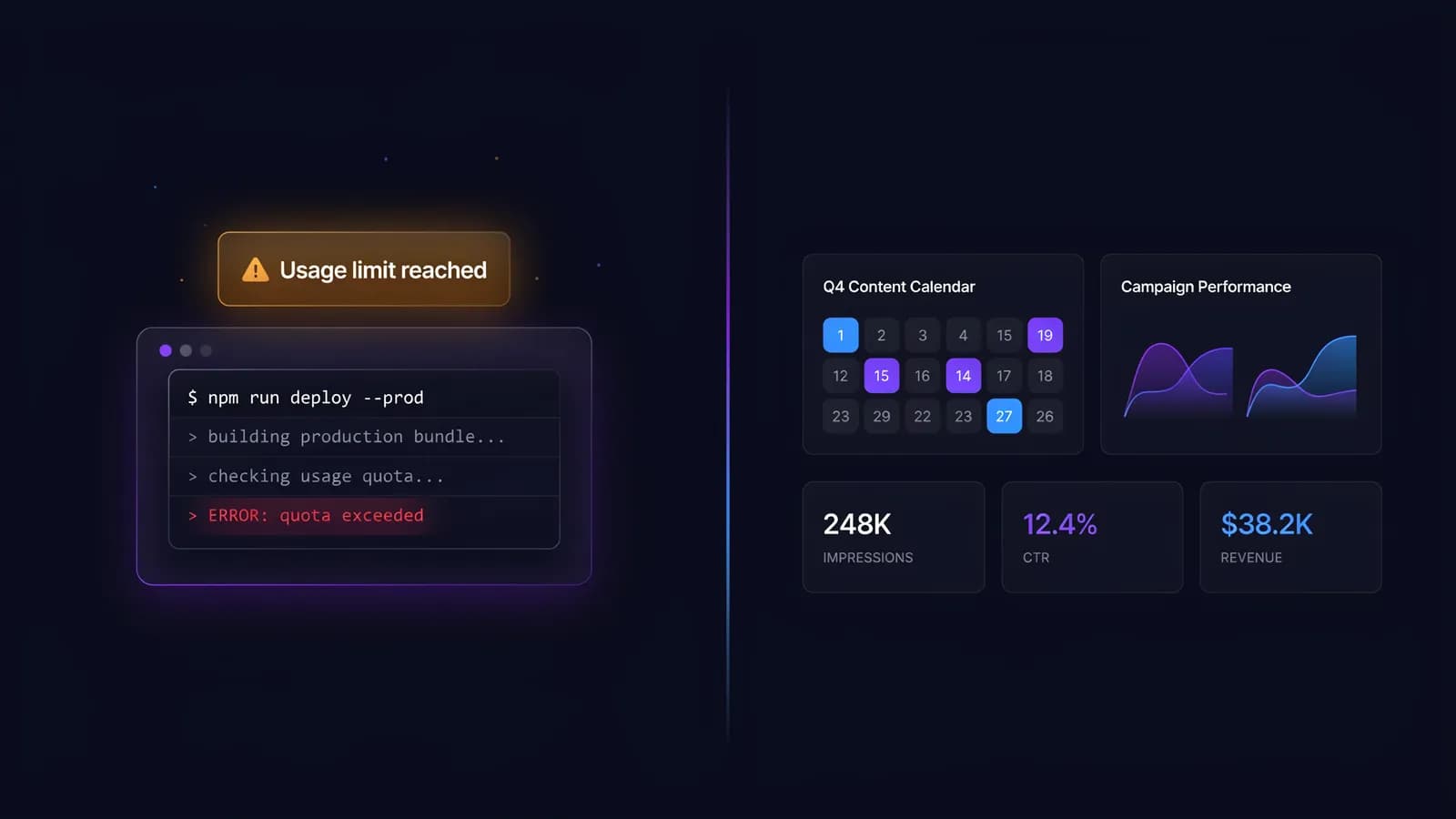
You tried Claude Code for a landing page rewrite. It worked great — until you hit the usage cap three hours in and the session ended mid-task. So you upgraded to Pro ($20/month). Then hit the cap again. Now you're looking at Max ($100–$200/month) wondering if this is actually worth it for marketing work. Here's what the pricing page doesn't tell you.
It's 2:30 PM. You're halfway through rewriting a 12-page product website. Claude Code is doing exactly what you needed — restructuring copy, tightening headlines, applying brand voice consistently across every page. Then the session hits its usage limit. The task stops. Your context is gone. You either wait for the five-hour window to reset, or you pay more. That moment is where Claude Code's pricing model stops feeling abstract and starts costing you real money — and real time.
The usage cap isn't a minor detail. For marketing teams, it's the entire pricing question.
Claude Code Plans in 2026: What Each Tier Actually Gives You
Claude Code pricing works differently from most SaaS tools. You're not paying for seats or features — you're paying for usage capacity within five-hour rolling windows. Understanding that mechanic is the only way to choose the right plan.
Free — What You Get (and Don't)
The free tier gives you access to Claude Code, but with significant constraints on usage volume and session continuity. It works for testing the tool: a single page rewrite, one campaign brief, a quick copy audit on a landing page. It does not work for sustained marketing production.
If you're evaluating whether Claude Code fits your workflow at all, start here. If you're trying to use it as a real production tool, you'll hit the ceiling within the first hour of actual work.
Pro ($20/month) — The Session Limit Reality
Pro is the first paid tier at $20/month. The practical limit is roughly 45 "uses" per five-hour window. Anthropic doesn't publish exact token counts, but that translates to: one well-scoped content task per session, with headroom to spare — or one ambitious task that pushes against the ceiling.
The problem isn't the number. It's the five-hour reset window. If you're doing a batch of work — rewriting a full blog post, then a product page, then three email sequences — you will hit the cap before the window resets. The session ends. You lose the accumulated context Claude built for your project. You start fresh when the window opens.
For occasional marketing use — one or two tasks per day, not simultaneously — Pro is adequate. For anything resembling a content production workflow, it's frustrating.
Max 5x ($100/month) — Who This Is Actually For
Max 5x gives you roughly 225 uses per five-hour window — five times what Pro offers. That's enough to run a full content batch without hitting the ceiling: rewriting multiple pages in sequence, drafting a complete email nurture sequence, or handling a large-scale copy migration.
This is the tier that makes Claude Code viable for marketing teams doing real volume. The five-hour window still exists, but at 225 uses, you're unlikely to hit it in normal marketing workflows unless you're running very large, context-heavy tasks back to back.
The honest question at $100/month: what else could you buy for that budget? That comparison matters more than the tier itself.
Max 20x ($200/month) — Enterprise Developer Territory
Max 20x provides approximately 900 uses per five-hour window. At that level of capacity, the usage cap is no longer a practical constraint — you'd have to be running an automated pipeline to approach the ceiling.
This tier was designed for software developers running agentic coding tasks: building full applications, refactoring large codebases, or running continuous integration workflows. For marketing teams, even high-volume ones, this is excess capacity. You're paying for headroom you won't use.
Claude Code Pricing Comparison
Plan | Price/month | Uses per 5h window | Best for |
|---|---|---|---|
Free | $0 | Very limited | Testing only |
Pro | $20 | ~45 uses | Occasional, light tasks |
Max 5x | $100 | ~225 uses | Marketing production workflows |
Max 20x | $200 | ~900 uses | Enterprise developers, automated pipelines |
The Usage Cap Problem — How It Hits Marketing Workflows
The five-hour session window is Claude Code's most misunderstood pricing mechanic. It doesn't reset at midnight or at the start of a workday. It resets five hours after your session begins. That means if you start at 9 AM, your window runs to 2 PM. If you start at 11 AM, it runs to 4 PM.
For developers who work in focused code sprints, this is manageable. For marketing teams who dip in and out of content work throughout the day, it creates a different problem.
Marketing tasks that hit the cap fast:
- Rewriting an entire website (10+ pages with consistent voice application)
- Generating and refining a full content cluster (pillar + 6 spokes) in one sitting
- Migrating and reformatting large content libraries
- Running multi-step campaign workflows where Claude maintains context across briefs, ads, and landing pages
Marketing tasks that stay comfortably within Pro limits:
- Single landing page rewrite
- One blog post draft or refinement
- A set of email subject line variants
- An ad copy brief for a single campaign
The real cost calculation isn't just the plan price. It's the plan price divided by what you actually output in a month. At $100/month for Max 5x, if you're producing 30 pieces of content, your cost per output is roughly $3.30. If you're producing 5 pieces, it's $20 per piece — which means you'd be better served by Pro and a slower cadence.
For marketing teams already using Claude.ai (the chat version), Claude Code adds meaningful capability: it can execute multi-step tasks, maintain file context, and run structured workflows that the chat interface can't handle. But that added power is exactly what consumes more usage.
Claude Code vs Cursor — Which One for Marketing Teams?

If you've been evaluating AI tools for agentic marketing workflows, you've almost certainly looked at both Claude Code and Cursor. They solve adjacent problems in different ways.
Cursor is an IDE — a code editor with AI built in. Its AI is powerful, but it lives inside a development environment. To use Cursor, you need to be comfortable working in a code editor interface: opening files, navigating a project directory, running commands in a terminal. For developers, this is natural. For marketing teams without technical backgrounds, it adds friction.
Claude Code is a terminal-based tool. You interact with it through a command line, which also requires technical comfort — but it's Anthropic-native, meaning it runs on the full Claude 3.5/3.7 Sonnet model without any wrapper. The output quality for language-heavy tasks (copywriting, brand voice, content strategy) tends to be stronger than what you get through third-party integrations.
For a deeper look at how Cursor performs in marketing contexts specifically, see our full guide on Cursor for marketing teams.
The honest comparison:
Factor | Claude Code | Cursor |
|---|---|---|
Model quality (language tasks) | Native Claude 3.7 | Via API (varies) |
UX for non-developers | Terminal CLI — steep | IDE — moderate |
File/project context | Strong | Strong |
Pricing | $0–$200/month | $0–$40/month |
Marketing-native features | None | None |
Neither tool was designed for marketing teams. Both require you to adapt a developer workflow to a marketing context — which works, but with friction. The teams that succeed with both are usually the ones with at least one technically comfortable person managing the setup.
What Marketing Use Cases Justify the Cost?
The pricing tier you need depends less on the tool's capabilities and more on what you're trying to produce. Here's where each tier actually makes sense.
Max ($100/month) is worth it when:
Your team is producing more than 50 pieces of content per month and using Claude Code as the primary drafting and editing layer. At that volume, the cost per output drops below $2, which is competitive with any AI content tool. You're doing large-scale structured work — like rewriting an entire knowledge base, migrating a blog archive, or maintaining brand voice consistency across hundreds of pages. You have someone on the team who's comfortable running terminal commands and managing file context.
Pro ($20/month) is enough when:
You use Claude Code for occasional work rather than daily production. You're a solo marketer or small team handling one or two substantial tasks per week. You want access to agentic capabilities without committing to the higher tier. At $20/month, the risk is low — and if you consistently hit the cap, the signal to upgrade is clear.
Claude Code is the wrong tool entirely when:
You need to manage a social content calendar across multiple channels. You're running paid campaign workflows that span creative, copy, and analytics. You want something your full marketing team can use without a technical onboarding curve. You need built-in reporting or performance tracking alongside the content work.
These aren't gaps Claude Code will fill — they're simply outside its design scope. It's a coding assistant that handles content well, not a marketing platform. The distinction matters when you're choosing where to put your tools budget. Understanding vibe marketing tools as a category can help frame where Claude Code fits — and where it doesn't — in a modern marketing stack.
The Alternative — Why Marketing Teams Choose Allable Instead
Claude Code was built for software engineers. Its marketing utility is real but accidental — teams discovered they could use it for content work, and it performs well for structured tasks. That doesn't change what it is: a developer tool with a usage cap pricing model designed around coding sessions, not content workflows.
Allable was built the other way around. It starts from the marketing team's actual workflow — keyword research, content briefs, competitor analysis, campaign planning, content drafting — and layers AI execution on top of that context. The same capabilities you'd stitch together across Claude Code, a separate SEO tool, a keyword research platform, and a content calendar live inside a single interface without requiring terminal access or session management.
Price comparison:
Tool | Entry paid tier | What you get |
|---|---|---|
Claude Code Pro | $20/month | ~45 uses/5h window, no marketing features |
Claude Code Max 5x | $100/month | ~225 uses/5h window, no marketing features |
Allable Pro | €31/month (~$33) | Full marketing platform: SEO, content, campaigns, analytics |
Allable Business | €91/month (~$98) | Full platform, multi-user, advanced features |
The comparison isn't just about price per feature. It's about what you're solving for. If you need raw AI power for code-adjacent tasks, Claude Code is genuinely strong. If you need a tool your marketing team can use on Monday morning without a setup session, Allable is built for that.
Try Allable free — no credit card, no terminal required.
Which Plan Should You Get? (3-Question Decision Framework)
Stop at each question and answer it honestly before moving to the next.
Question 1: How much content are you producing with Claude Code per month?
If the answer is fewer than 10 substantial pieces, Pro at $20/month is the right starting point. The cap will occasionally frustrate you, but not enough to justify a 5x price increase. If you're producing 30–50+ pieces and Claude Code is your primary production tool, Max 5x at $100/month is worth the jump.
Question 2: Does someone on your team have technical comfort with CLI tools?
If the answer is no — if you'd need to onboard your team to terminal commands before they can use the tool — the friction cost is real and ongoing. Factor that into your pricing calculation. $100/month for a tool only one person can use effectively is a different proposition than $100/month for a tool your whole team runs.
Question 3: Are you using Claude Code as a marketing tool or as a content processing engine?
Marketing tool means: you need it to help with strategy, planning, channel management, and reporting alongside content. Content processing engine means: you have a defined workflow, you know what you're putting in, and you want high-quality output at volume. Claude Code is excellent as the second thing. For the first, you need a platform built for marketing teams.
If your answers point toward "high volume, technical team, content processing" — Max 5x is your tier. If they point toward "occasional use, mixed technical comfort, full marketing workflow" — start with Pro and honestly evaluate whether the friction is worth it over three months.
Frequently Asked Questions
Does Claude Code have a free trial for the Max plan?
Anthropic doesn't currently offer a free trial for Max tiers. You start at Free, upgrade to Pro ($20/month), and can access Max ($100 or $200/month) from your account settings. There's no time-limited trial that gives you Max capacity without a payment commitment.
What happens when you hit the Claude Code usage cap?
Your active session pauses. You can't continue the current task until the five-hour window resets. Claude Code shows you an estimated reset time. You don't lose your conversation history entirely, but the active agentic context — the file state, task progress, and working memory Claude built during the session — does not persist automatically across the reset.
Is Claude Code the same as Claude.ai?
No. Claude.ai is Anthropic's chat interface — conversational AI you interact with through a browser. Claude Code is a separate agentic tool that runs in your terminal, accesses your local files, and executes multi-step tasks. Both use the Claude model family, but Claude Code has significantly more capability for structured, file-level work. The usage cap pricing applies to Claude Code, not Claude.ai (which has its own subscription model).
Can marketing teams use Claude Code without coding knowledge?
Technically yes, but practically it requires comfort with command-line interfaces. You install Claude Code, navigate to your project folder in a terminal, and issue instructions in natural language from there. You don't write code — but you do operate in a developer environment. Teams with no technical background consistently report friction in setup and ongoing use. That's not a dealbreaker, but it's a real cost that doesn't show up in the pricing table.
How does Claude Code Max compare to just using the Claude API directly?
The API gives you raw access to the Claude model at token-based pricing — you pay per input and output token with no five-hour window constraint. For a marketing team with consistent high volume, direct API access can be more cost-efficient than Max. The tradeoff is that API access requires technical setup to build usable workflows, whereas Claude Code provides a ready-to-run agentic interface. Max is essentially the managed, no-infrastructure version of heavy API use.