Canva's headshot page fixes the light and the background on a photo you already have, and stops there. So which of its five image surfaces answers the word headshot, and what does it leave for you to change by hand?
Canva publishes an English page built for exactly this job, and it does not appear in the first twenty-two results for the phrase that describes it. The Dutch version does. You probably arrived through one of the pages that do rank, and most of them sell the alternative they recommend. So the verdict you were about to trust came with an invoice attached. Which job do you have: one profile picture, or five images that have to look like the same person on the same day? The second is where this feature stops being enough. The gap is wider than anything above it will admit, and the reason it exists is not technical.
Here is the part that took me a while to believe. The space it left is filled by pages with something to sell, and their verdicts agree in a way real tests rarely do. If you already have a number in your head for what Canva Pro costs, you picked it up from one of them.
Who Is Actually Ranking for This Query
A community thread leads the results, which tells you people are asking because no page has answered them cleanly. Then an affiliate comparison whose first sentence names the product it sells, a tutorial built around editing a photo rather than generating one, and Bettershot's own test of three generators in which Canva finishes last. Canva arrives sideways: its generic image generator at eight, its face generator at seventeen, neither about the headshot job.
Every page here with a verdict has a reason to reach it. Bettershot sells the tool it declares the winner, and to its credit the same article concedes that Canva's generator "was included in our base plan" and that they were "only limited to one output option". That concession is less a knockout than a description of the tool. Anyscene, which sells the alternative it recommends, publishes an identity-match comparison flattering its own product without naming the test behind it. Read both as vendor statements, because that is what they are.
The published numbers disagree too. Pages here price Canva Pro two ways and describe the free allowance two ways. I am not repeating any of them, because Canva's own allowance rules for this app were not on the surfaces I could reach and four attempts failed. When a rival quotes you a Canva cost, read it as that rival's number.
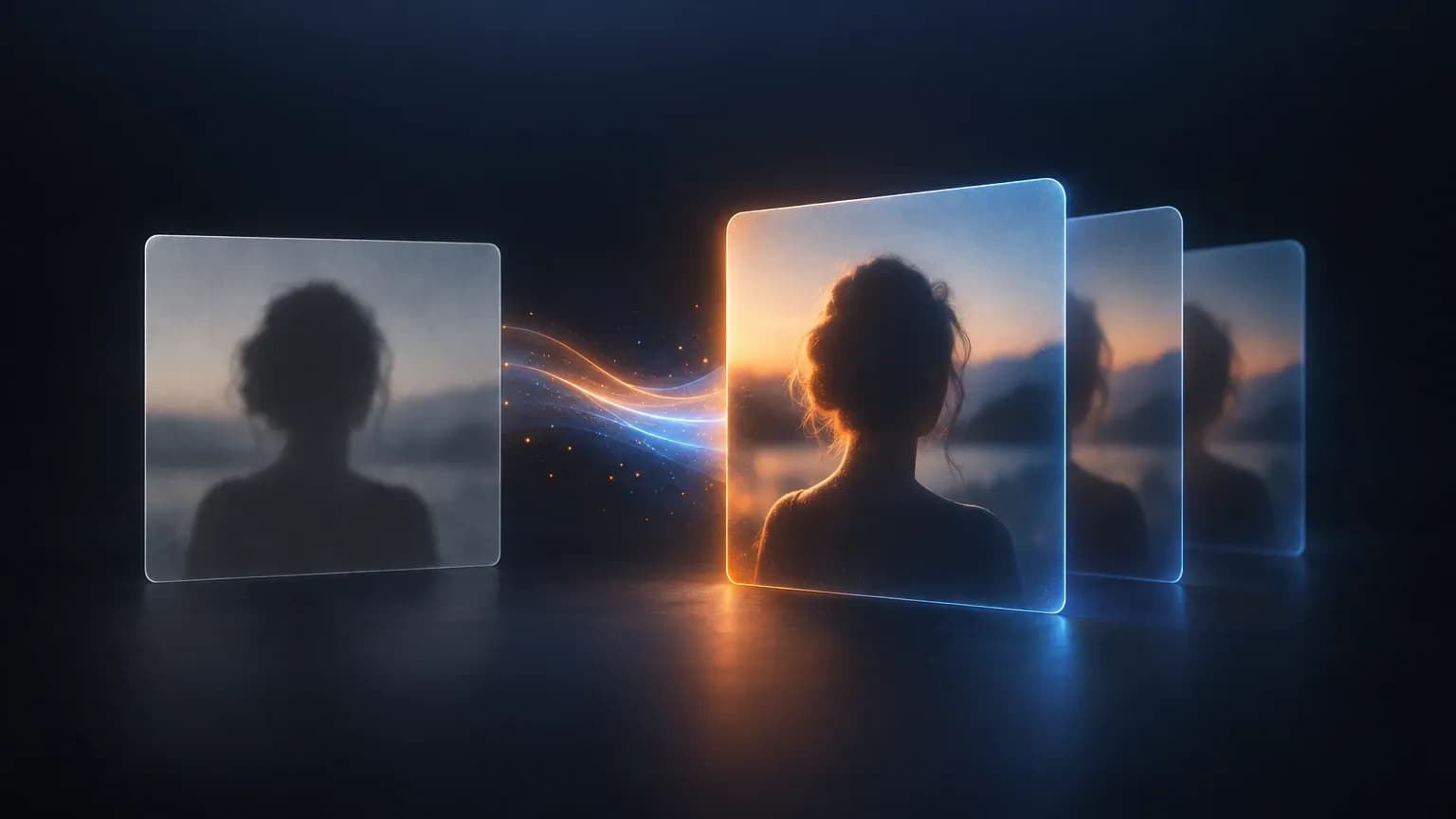
Canva's own feature page is the most authoritative sentence in this set of results. Its headline promises you can "turn selfies into studio shots with the best AI headshot generator". Underneath, the flow is short: upload your picture, select your gender identity, and let AI enhance it with lighting and a professional background.
Apply the same discipline somewhere you can verify it: the Meta Ads Library shows which ads a competitor is funding right now.
What Canva's AI Headshot Generator Actually Produces
One limitation goes up front. I have no account access to the app, so what follows describes what Canva publishes about the output, and every third-party quality claim stays attached to the publisher that made it.
Five Canva Surfaces Answer to the Word Headshot
Search Canva's own site and you can land in five places: the Headshot Generator feature page, the AI Image Generator, the AI Face Generator, the AI Portrait Generator, and Magic Edit inside the editor. They overlap, they are not the same tool, and no page ranking above maps them against each other. The prompt-to-image surfaces start from words. The headshot page starts from your photograph. Magic Edit changes part of a photo you already have. The community threads disagree about which to use, and so do the tutorials.

The Input It Needs, and What It Does With a Phone Photo
The input is one picture. You upload it, pick a gender presentation from three options, and the system enhances it. The feature works on the photograph you hand it and does not learn your face from a set of photographs, so the ceiling is set by what you upload. An evenly lit phone photo gives it something to work with. One with the light behind you gives it much less.
Control Over Background, Wardrobe and Framing
Canva's page carries five showcase modules with sample imagery, oriented around light, white balance, background and filters. Read that list literally and you learn something: wardrobe is not on it, and neither is a specific crop, going by what the page stated in the extract I could retrieve. Background and light are, which is good news if the only thing wrong with your photo is that it was taken in a kitchen. It is no help if you are wearing a hoodie on a day you needed to look like a director.
Identity Consistency Across a Set of Images
One upload produces one image, and Canva's page states no set size and no resolution. That is fine for a profile picture and awkward for a set, because four or five images that look like one session mean four or five separate runs on separate uploads. Nothing in the described flow carries your face forward from one output to the next.
What Canva publishes about the output | What it means for the job you have |
|---|---|
Input is one uploaded photo plus a choice of gender presentation | The feature improves what you hand it rather than building a likeness from a set of photos |
The stated action is enhancement of lighting, with a professional background | The fix works when the background was the problem. Wardrobe and scenario are not in the published control set |
Showcase imagery is oriented around light, white balance, background and filters | Useful for correcting a photo, not for a deliberate change of setting or outfit |
No set size and no resolution stated | Nothing to plan a batch against, and one photo per run is the model |
The headline promise is "turn selfies into studio shots" | Read that as positioning, not as a claim about quality. The studio market held its size in 2026 while studios booked more headshot clients |
What the image changes downstream matters more than the image, the same logic behind our breakdown of marketing KPIs.
The Job It Does Well
You already have a usable photo of yourself and the setting is the problem. That is the core case, and it is more common than the vendor pages admit.
Publishers covering this feature keep landing on the same description. LinkedIn Cover Photo, which states plainly that it did not test anything, calls these "enhancement tools, not generation tools". Gravity DevOps draws the same line, naming editing a real photo versus generating one from scratch as the key distinction. That sits comfortably with Canva's own wording about enhancing backgrounds and perfecting lighting. Interested and uninterested sources landing on the same description is the closest thing to triangulation available, so I will take it, with the interest stated.
Concretely: a solo founder refreshing one avatar, a freelancer attaching a decent photo to a proposal, a small team whose only visual problem is that the backgrounds look like four different offices.
The Job It Does Not Do
Four things sit outside it, each with a cost if you find out late.
A set. If you need several images that read as one session, this is the wrong shape of tool. One image per upload, each generated independently.
A change of presentation. Wardrobe, setting and pose are beyond what Canva publishes as controllable. If the brief mentions a jacket, this is not the tool.
More than one destination. Write down every place the image has to appear before you generate it. A square profile picture, a portrait crop for a resume header, a small circular badge, a chat avatar and a company page banner are five different outputs. One image at one size lands on the first and needs cropping for the rest.

Authenticity. Whether a heavily enhanced image is safe to present as you is a separate question from whether it looks good. In a 2024 survey of 1,087 US recruiters, cited second-hand by a 2026 headshot article, 88% said they want to know when a candidate's headshot is AI generated, and only 39.5% said they can reliably tell on first look. The same survey is cited for 66% reacting negatively once they learn a photo was AI generated, including where they had not spotted it. A separate 2026 poll of 1,600 professionals, also cited second-hand, found 38% calling AI headshots "soulless". People are not detecting these images. They are reacting to being told.
LinkedIn's rule, as reported by a spokesperson to CBS News in February 2026, allows an AI-enhanced profile photo that reflects your actual likeness and allows a fully synthetic image that does not look like you to be removed. An enhancement of your own photograph and a generated likeness of you are different artefacts, and almost nothing published so far separates them for the headshot case. The commercial-use question in general has a fuller answer elsewhere on this site.
And the studio comparison: this tool does not replace a photographer. Estimates published for 2026 put professional headshot photography near 1.8 to 2.8 billion dollars while the AI headshot segment sat around 420 million, and one publisher reports studios booking roughly 15% more headshot clients in 2024, not fewer. The jobs separated. Neither one replaced the other.
When a Dedicated Headshot Tool Is Worth the Money
The alternative worth paying for is not a Canva rival with a nicer landing page. It is the category of service that builds a model from a set of your photos and returns a batch: several poses, several backgrounds, defined output sizes and a stated commercial licence.
It earns its cost under three conditions. You need a set rather than an image, meaning several people or several assets per person. The outputs have to match each other, across a team page or across a year. Or the photo is doing real work on a sales page, a speaker bio or a job application, where a mismatch costs you more than the service does.
If none of those apply, the dedicated route is expensive for what you get. Search the category by its generic name, ai headshot generator, and you get an unbroken run of vendor landing pages with no editorial layer at all. Judge it on the criteria above, the way you would shortlist SEO tools: by what your job needs, not by which page got there first.
Published estimates of this market range from a few hundred million dollars to several billion depending on what the publisher measured. When numbers spread that widely, cost per usable photo is the only figure that matters, and the only way to get it is counting how many of the images you keep.
If the deliverable is bigger than a headshot, the buying logic changes shape. Choosing content marketing services and choosing a headshot tool are different decisions, because one buys judgment and one buys an output.
FAQ
Is Canva's AI headshot generator free?
Canva's own feature page advertises a free AI professional headshot generator, so that is the vendor's claim in the vendor's words. What I cannot give you is the real cost of producing a set you would keep, because Canva's allowance rules for this app were not on the surfaces I could reach and the third-party pages that do publish a figure contradict each other. Test the free claim with the photo you would actually use.
Can I use a Canva AI headshot on LinkedIn?
The policy allows an AI-enhanced profile photo that reflects your actual likeness, and allows a fully synthetic image that does not look like you to be removed. So the policy is not the obstacle. The audience is the bigger risk: recruiters in the survey above overwhelmingly wanted disclosure, and a majority reacted badly when they got it.
What is the best alternative to Canva's headshot generator?
It depends on the job, which is not a dodge. If you need one improved photo of yourself, the headshot feature is a reasonable start and a dedicated service is money you do not need to spend. If you need a matching set, several output sizes, or images that will still work after your hair changes, look for a service that builds a model from several photos of you and delivers a batch with defined sizes and a licence you can use commercially.
Conclusion
The Canva AI headshot generator does one job and names it accurately in its own marketing. It enhances a photograph you already have, fixes the background and the light, and hands you one image. That is enough for a profile picture, and genuinely useful for a small team whose only visual problem is a set of mismatched kitchens.
The trap is treating the search results as neutral. The top of this query is funded, the published numbers contradict each other, and Canva's own English answer to its own best query is not there. Size the job first, then pick the tool.
What I keep coming back to is how little we know about whether these images are acceptable to the people who look at them. Recruiters say they want to know and cannot reliably tell. Almost nobody publishing on this has separated an enhanced photograph of a real person from a generated face. The tool that closes that gap will win on trust rather than on image quality. If you work across all of it, from the headshot on a profile to the campaign it feeds, that continuity is the surface Allable.ai is built to hold.