
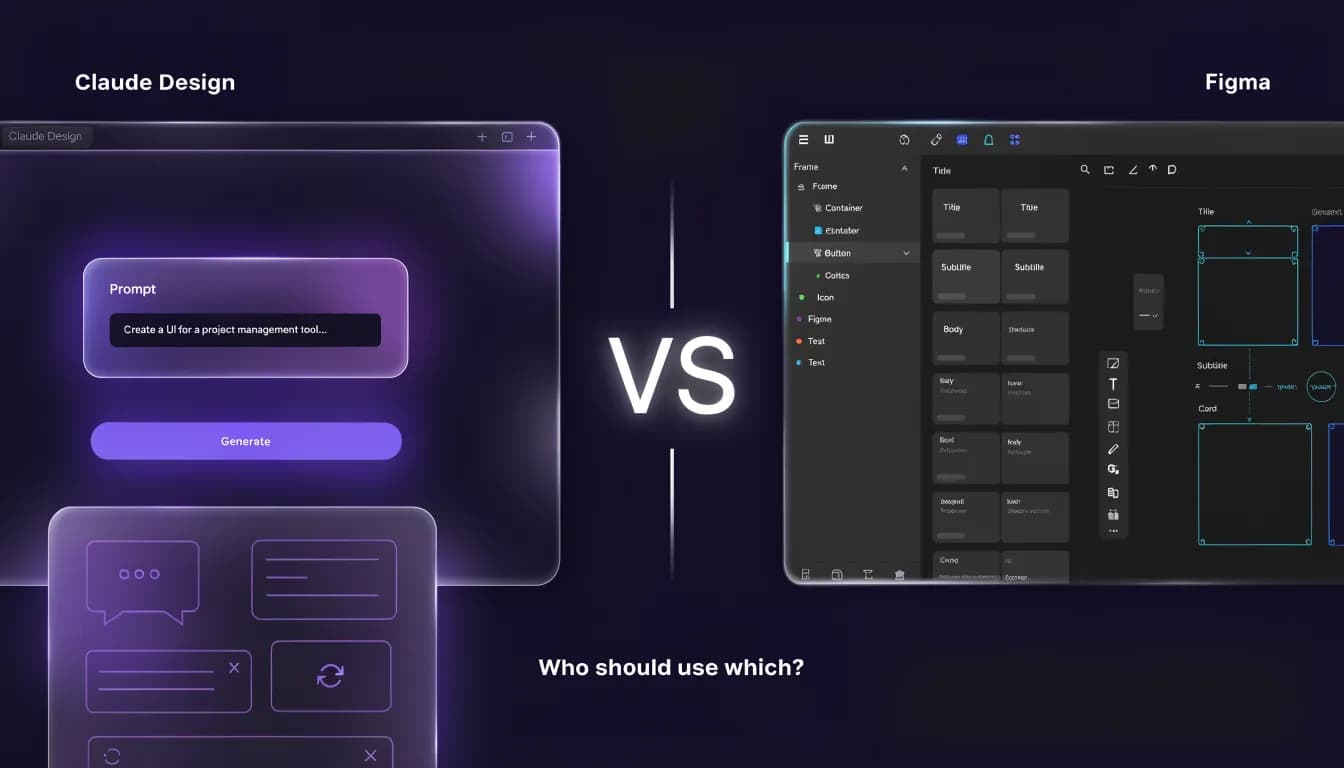
Your design team uses Figma. Your AI stack has Claude. Now Claude Design exists and suddenly you're being asked to pick. The comparison everyone publishes focuses on prototyping speed. That is not your actual problem.
Figma has been the default design tool for a decade. Then Claude Design arrived in April 2026 and made the conversation complicated.
The comparison that's flooding Reddit and design blogs frames this as a head-to-head AI tool battle. That framing is wrong — and it leads marketing teams to make the wrong call.
Claude Design and Figma are not competing for the same job. They serve different people, solve different problems, and fail in different ways. Getting this wrong costs you time, budget, and credibility with your design team.
Here is the comparison that actually matters for marketers.
Quick Verdict: Claude Design vs Figma for Marketing Teams
If you need an answer fast, here it is.
Use Case | Best Tool | Why |
|---|---|---|
Landing page mockups | Claude Design | Prompt-first, no design skills needed |
Pitch decks and presentations | Claude Design | Native slide format, fast iteration |
Brand identity and design systems | Figma | Components, libraries, design tokens |
Developer-ready UI handoff | Figma | Dev Mode, code specs, inspection |
Real-time design collaboration | Figma | Built for multi-person design workflows |
Quick visual prototypes for non-designers | Claude Design | Minutes from prompt to working prototype |
Ad creative production | Neither | Use Canva or dedicated ad tools |
Full marketing workflow | Neither alone | See below |
The short version: if you are a non-designer who needs to move fast, Claude Design is the right choice. If you have a design team doing handoff-ready work, Figma wins.

What Is Claude Design? (Key Facts for Marketers)
Claude Design launched on April 17, 2026 as part of Anthropic Labs — a research preview, not a finished product. It is powered by Claude Opus 4.7 and built around one idea: you describe what you want in plain language, and the tool generates a working, interactive prototype.
The output is not a static image. It is a live, code-powered canvas you can interact with, export, or hand off directly to Claude Code for marketing workflows.
What Claude Design can create:
- Landing pages and website mockups
- Pitch decks and slide presentations
- App UI wireframes and prototypes
- One-pagers, brand kits, and visual documents
Export options: PPTX, PDF, HTML, and direct Canva export. There is no native Figma (.fig) export. You can export HTML code and bring it into a development workflow, but it does not land in Figma as an editable file.
Pricing: Claude Design is included at no extra cost in paid Claude plans.
Plan | Price | Design Access |
|---|---|---|
Claude Free | $0/mo | No access |
Claude Pro | $20/mo | Included |
Claude Max 5x | $100/mo | Included |
Claude Max 20x | $200/mo | Included |
Claude Team | $25/seat/mo | Included |
If you are already paying for Claude Pro, you have Claude Design. There is no separate subscription.
For a full breakdown of what the tool can do, see our Claude Design review.
What Is Figma? (Key Facts for Marketers)
Figma is the industry-standard design tool for UX designers, product teams, and brand designers. It has been the professional design default since roughly 2018 and is now part of Adobe (acquisition completed 2023).
Figma's strength is precision. It handles design systems, reusable component libraries, design tokens, real-time multi-user collaboration, and developer handoff with a level of control Claude Design does not approach.
What Figma does well:
- Design systems with shared component libraries
- Pixel-precise UI/UX design for product teams
- Real-time collaboration across design and development
- Dev handoff via Dev Mode with code inspection and CSS export
- Responsive layout design with Auto Layout
Figma AI in 2026: Figma has layered AI features onto its platform through tools like Figma Make (prompt-to-code generation inside Figma), auto-rename layers, image generation, and the Rewrite this text tool. Figma AI runs on AI credits bundled with your plan.
Figma Make specifically is Figma's most direct answer to Claude Design. It lets you generate UI designs from natural language prompts — but inside the Figma ecosystem, with access to your existing design system components.
Pricing (2026, billed annually):
Plan | Price | Best For |
|---|---|---|
Starter | Free | Individual use, limited projects |
Professional | ~$15/editor/mo | Small to mid-size design teams |
Organization | ~$45/editor/mo | Companies needing SSO, org-wide systems |
Enterprise | ~$75/editor/mo | Large orgs with compliance needs |
Note: Monthly billing on Professional runs ~$20/editor/mo. View-only seats are free on all plans — stakeholders who only need to comment don't need a paid seat.
Claude Design vs Figma — Head-to-Head Comparison
Feature | Claude Design | Figma |
|---|---|---|
Ease of use for non-designers | Prompt-first, no learning curve | Significant learning curve |
Speed to first prototype | Minutes | Hours without prior experience |
Design system support | Limited (can read codebases, not Figma libraries) | Industry standard |
Real-time collaboration | Basic (Claude conversation context) | Full multi-user collaboration |
Developer handoff | HTML/code export only | Dev Mode, code specs, inspection |
Export formats | PPTX, PDF, HTML, Canva | Full design + dev formats |
Native AI capabilities | Built on Claude Opus 4.7 | Add-on via Figma AI credits |
Figma file export (.fig) | Not supported | Native |
Pricing entry point | $20/mo (Claude Pro) | $0 (Starter, limited) |
Iteration speed | Re-prompt to revise | Manual edits or re-prompt Figma Make |
Presentation output | Native slide deck format | Requires Figma Slides (separate) |
The core difference: Claude Design is prompt-first and output-focused. Figma is precision-first and process-focused. Claude Design asks "what do you want it to look like?" Figma asks "how exactly should every element behave?"
One more important distinction: Figma Make (Figma's AI tool) is the more direct Claude Design competitor. It also generates designs from prompts — but inside a design system your team already owns. If your team already uses Figma professionally, Figma Make is the natural AI layer. Claude Design is for people who are not living inside Figma every day.
Claude Design vs Figma for Specific Marketing Use Cases
Landing Pages
Claude Design wins. You describe the landing page, the tool generates an interactive HTML prototype. For marketers testing messaging or presenting a concept to stakeholders, this takes minutes instead of hours. You cannot push it directly to Figma, but you can export HTML and hand it to a developer.
Figma can produce better final-quality landing page designs, but it requires design skills or a designer's time.
Pitch Decks and Presentations
Claude Design wins. It generates native slide decks from a prompt and exports to PPTX. For a marketing manager who needs to present a campaign concept on short notice, this is faster than any other option. Figma Slides exists but it is slower for non-designers and outputs to Figma's own format.
Social Media Assets
Tie — with caveats. Claude Design can produce social post mockups, but it is not optimized for production-ready social assets. Figma can produce them precisely, but requires a designer. For fast marketing social content, tools like Canva are still more practical for most teams. See the best Canva alternatives for marketing teams for options built specifically for this.
Brand Identity Design
Figma wins decisively. Brand systems — color palettes, typography scales, component libraries, logo usage guidelines — need the precision and shareability Figma provides. Claude Design can generate a visual starting point, but it cannot manage a living design system.
Complex UI/UX Prototyping
Figma wins decisively. This is what Figma was built for. Claude Design cannot replicate interactive state management, component overrides, or the prototype flows that UX designers need for user testing.
Ad Creative Production
Neither. Both tools are underpowered for marketing ad production. You need a tool built for ad spec formats, brand safety guardrails, and multi-format exports. This is a gap both tools leave open.
The Limitation Neither Tool Mentions
Both Claude Design and Figma are design and prototyping tools. That is all they are.
Marketing teams need more than designs. You need SEO strategy, content creation, paid campaign management, analytics, competitor monitoring, and brand consistency across every channel — not just visual consistency.
A solo marketer using Claude Design to build landing page mockups still needs a separate tool to research the keywords those pages should target, write the copy, run the ads that drive traffic, and track what is converting.
A design team using Figma for brand systems still needs a separate platform for content strategy, social publishing, and performance reporting.
This is where vibe marketing gets interesting — the emerging approach of using AI to compress the full marketing cycle, not just the design step. Claude Design speeds up the design step. Figma perfects the design step. Neither covers the cycle.
Allable handles the full marketing workflow in one platform: keyword research, content planning, campaign management, competitor tracking, and AI-assisted content creation. It connects the design output to the marketing strategy that determines whether that design actually performs.
Who Should Use What: The Decision Guide
Use Claude Design if:
- You are a solo marketer or founder who needs to move fast
- You need landing page mockups, pitch decks, or visual prototypes without a designer
- You are already on a Claude paid plan (it is included — no extra cost)
- Your output goes to stakeholders, developers, or Canva — not back to Figma
Use Figma if:
- You have a dedicated design team doing handoff-ready work
- You need a shared design system that product, engineering, and marketing all use
- Developer handoff is a requirement (CSS specs, Dev Mode, code inspection)
- Your organization already has Figma seats and workflows
Use Figma Make (Figma's AI tool) if:
- Your team already works in Figma daily
- You want AI-assisted design generation inside your existing design system
- You need the output to stay in Figma-native formats
Use Allable if:
- You need to go from marketing strategy to content to campaign to measurement in one platform
- Your team's bottleneck is not "better designs" but "better marketing decisions, faster"
- You want AI that covers SEO, content, ads, and analytics — not just visual prototyping
FAQ: Claude Design vs Figma
Is Claude Design free?
No. Claude Design requires a paid Claude plan. The cheapest access is Claude Pro at $20/month. It is not available on the free tier. There is no separate Claude Design subscription — if you pay for Claude Pro or above, Design is included.
Can Claude Design replace Figma?
Not for professional design teams. Claude Design is strong for rapid prototyping and non-designers who need visual output fast. It cannot manage design systems, component libraries, or developer handoff the way Figma does. For marketing teams doing quick mockups or presentations, Claude Design is often enough. For teams with UX designers and dev handoff requirements, it is not a replacement.
Does Figma have AI features in 2026?
Yes. Figma's AI capabilities in 2026 include Figma Make (prompt-to-design generation), auto-rename layers, image editing tools, and text rewriting. These features run on AI credits included with your plan. Figma Make is the most significant addition — it lets you prompt designs from natural language inside your existing Figma workspace.
Which is better for presentations: Claude Design or Figma?
Claude Design. It generates slide decks natively from a prompt and exports to PPTX. For marketers who need a polished-looking deck quickly, Claude Design is faster than Figma Slides (which requires more manual work). If your presentation needs to match a very precise brand system with shared components, Figma Slides may be the right choice — but most marketing presentations do not need that level of precision.
Can you export Claude Design to Figma?
Not directly. Claude Design does not export to the .fig format. You can export HTML code from Claude Design and bring that into a development workflow, but it does not open as an editable Figma file. If you need design work to end up in Figma, you need to either recreate it in Figma or use Figma Make to generate something similar from scratch inside your Figma workspace.
How does Figma Make compare to Claude Design?
They target the same job — prompt-to-design generation — but from opposite starting points. Claude Design starts from a clean conversation outside any design tool. Figma Make starts from inside your existing Figma file and can reference your design system. If your team already lives in Figma, Figma Make is the natural choice. If you are not a Figma user, Claude Design has less friction to get started.
What is Google Stitch and how does it fit in?
Google Stitch is Google Labs' AI design tool, emerging as a third option in the prompt-to-prototype space. It is earlier-stage than either Claude Design or Figma Make as of mid-2026, but worth watching. For marketers building prototypes today, Claude Design has more polish and a clearer export path.
The Bottom Line
Claude Design and Figma solve different problems. Positioning them as direct competitors is the wrong frame.
If you are a non-designer who needs output fast, Claude Design at $20/month is one of the best value tools available right now. Use it for mockups, decks, and quick visual communication.
If you have a design team with handoff requirements, Figma is still the industry standard. Claude Design does not replace it.
If your actual bottleneck is not design speed but full marketing execution — strategy, content, campaigns, measurement — neither tool closes that gap. That is what a platform like Allable is built for.
The tools are multiplying. The workflow is what matters.
Before deciding, the full Claude Design review tests the tool across five real marketing tasks with honest output assessments. If Canva is already in your workflow, Claude Design vs Canva explains why the two tools are actually complementary — not competing.
Evaluating the full Claude Design ecosystem? Our Claude Design alternatives roundup covers seven tested tools for UI designers, developers, and marketing teams — with pricing, pros/cons, and a use-case decision matrix.