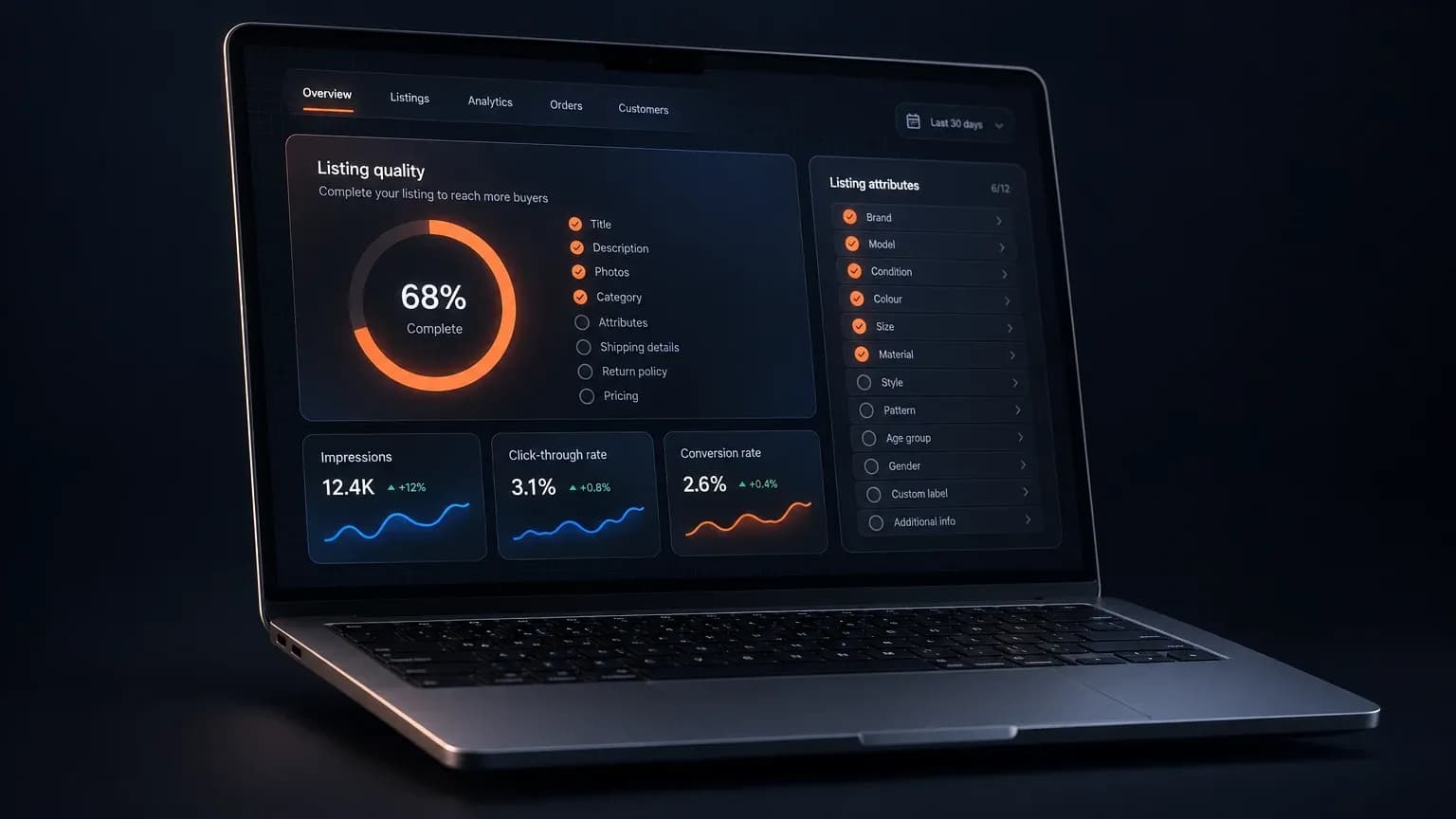
$39.90 a month buys a dashboard of what other sellers sold. The field eBay says can bring up to 4x more traffic is free, and it is still blank on your best listing. Which of the two jobs did that invoice buy?
There is a line on your monthly statement that renews whether or not you ever open the tool, and what it buys is a dashboard of what other people sold. Meanwhile the field eBay says can bring up to 4x more traffic sits empty on your best listings. The pages answering the search for eBay SEO tools are mostly selling that dashboard, so the invoice and the blank field rarely turn up in the same piece of advice.
Four of the pages that show up for that phrase are not about eBay SEO at all. They sell accounting automation, product research and generic seller tools, and they rank anyway, because most sellers searching it have not worked out which kind of tool would help. You have probably clicked a tool on one of those lists. What it showed you was a dashboard for deciding what to source, not one field on the page where a buyer decides whether to click.
The Two Jobs, and the One People Buy by Mistake
Two jobs sit behind this query, and they are bought in different places at different prices.
Job | Job A: listing optimization | Job B: product research |
|---|---|---|
What it decides | Whether your listing is shown and clicked | What you source, and at what price |
Who does the work | You, in Seller Hub | A paid data tool |
What it costs | Free, plus an optional Store subscription | $19.99 to $59.90 a month at the entry tiers |
What it cannot do | Tell you what to buy next | Change anything on your listing |
Job A is where a position inside eBay search is won or lost. Job B is a data problem, and the tools that solve it earn their money on sellers sourcing in bulk.

The mistake is buying Job B's software to fix a Job A problem. Both arrive as a dashboard with a search box, and the pages ranking here mostly sell the second. If you have ever paid for a research tool while your item specifics sat half empty, you made that trade. I have.
eBay's own November 2026 seller note is about Job A. Ron Jaiven, Vice President and General Manager for eBay North America, put numbers on those levers, and the numbers are worth more than a subscription. None of them require one.
Job A: Listing Optimization, Mostly Free
eBay's seller guidance speaks about Best Match and "our Search team". It tells you to choose the right category, not to skimp on the details, and that adding product identifiers "helps your listings appear in more relevant search results". It never hands you a formula.
Third parties call eBay's search engine Cassini. eBay's own current seller documentation does not use that name, and sellers on its forum openly ask whether the engine still goes by it. Treat descriptions of Cassini's internals, and the 40/35/25 weighting that circulates in blog posts and inside AI answers, as a third party's reading. No eBay-owned page states weights, and its own materials are deliberately unweighted.
eBay's own numbers beat any weighting. Better item specifics can deliver up to 4x more traffic to a listing, and sellers who provide at least seven attributes perform over 2x better than those with one. That is the biggest single change most listings can make, and it costs nothing. Titles cap at 80 characters, and roughly the first 60 are what a phone shows, so decorative junk such as "L@@k" costs clicks: eBay puts the loss at up to 4x.
Photographs, returns, shipping and price all surface in eBay's own list of what causes low impressions, under "non-competitive pricing or shipping". A complete listing is a product page and behaves like one, and the ecommerce content strategy guide covers the copy side at more length. Category choice sits in that same list, so it is a ranking input rather than a filing decision.
Worth knowing before you spend anything: eBay's own list of what causes low impressions includes the words "Poor SEO". On this marketplace that phrase means the listing fields, not a site audit, a backlink profile or a domain score. If you also sell on Amazon, do not assume the playbooks transfer; the Amazon SEO guide covers that marketplace's own logic.
eBay expanded its AI-powered Magical Listing technology to new and reactivated listers in the US, UK, Germany, Australia, France and Italy, per its Q3 2026 results. If the machine writes the title, your differentiation moves to item specifics, photographs and price. That is my reading of the sourcing, not a measured effect; eBay has published nothing on how AI-written listings rank.
Job B: Product Research, Genuinely Paid
Research tools answer what the marketplace does not: what sold, how often, at what price, and how many sellers chase the same item. eBay's own Product Research covers part of that for free. The paid layer goes wider and faster, and the price of that speed is where the buying decision sits.
Two paid tools matter here, because their pricing is published and checkable.
ZIK Analytics lists PRO at $39.90 a month, or $14 a month billed annually, with PRO+ at $59.90 monthly or $20 annual, Enterprise from $89.90, and a $1 trial for seven days. PRO includes 20 Product Explorer searches a month; PRO+ includes 100. If your sourcing week needs 30 lookups, the cheaper tier is the more expensive mistake.
ShelfTrend runs a free tier up to 250 queries a month, with paid plans from $19.99 a month, across 22 countries. Check its entry price on its own page before you commit, because the reviews quoting it are not all current.
Six sources, checked the same day, return five different figures for the same ZIK PRO plan, from $14.99 to $39.99, and only one of them is the vendor's own page. That page says $39.90 monthly, or $14 if you pay for a year. A spread of more than 2.5x is why the only price worth trusting is the one on the page you are about to buy from, read on the day you read it.
None of this is SEO. A research tool will not fill an item specific, rewrite a title or shoot a better photo. It tells you what to buy, which is a real job and a real monthly cost, and a different purchase from the one this query implies. The strongest product-research list in that category, the one from GemPages, even tells its own readers to confirm demand and price in eBay Product Research before buying inventory, which is a vendor pointing at the free native tool as the verification step.
The Item-Specifics Audit
You can run this on your own listings in about five minutes, and you can run it before you buy anything.

- Open Seller Hub and pull the Listing Quality Report. Filter to listings flagged for missing or incomplete item specifics. That filter is eBay's judgment, not mine.
- Count the attributes on your three best-selling listings. Under seven? eBay's own comparison says sellers at seven or more perform over 2x better than those at one.
- Check the category's own requirements rather than the generic list. eBay notes that sports trading cards often benefit from 12 or more specifics. Your category sets its own depth, and the Listing Quality Report names yours.
- Read the title. Anything past 80 characters gets truncated, and roughly the first 60 is what a phone shows. Symbols like "L@@k" can cut clicks by up to 4x.
- Fill the product identifiers where they exist: GTIN, UPC, MPN, ePID. eBay states they help a listing appear in more relevant search results.
- Note the date, then check Traffic Report impressions for those listings in seven days.
What Free eBay SEO Tools Actually Give You
The free layer is larger than most guides admit, and an honest answer about which SEO tools for eBay are worth paying for starts there.
Traffic Report gives impressions, views and conversion per listing, plus eBay's own list of what causes low impressions: "Poor SEO", "Wrong category or missing item specifics", "Non-competitive pricing or shipping". Read that list twice. Two of the three are fields you fill in, and the third is a pricing decision.
Listing Quality Report is the one most sellers never open. It works at listing level and at category level, recommends actions, and benchmarks you against similar sellers. That is the closest thing on the platform to a graded audit, and it is the free eBay surface with the shortest route to a decision.
Product Research, formerly Terapeak, is free to every seller with Seller Hub access, has been since April 2021, and returns up to three years of sold data. No subscription, and no third-party estimate beats it for verifying a price.
There is also a Google Shopping section inside Seller Hub. It reports which of your items Google rejected and how to fix them. If search outside eBay matters to you, that is the only place the marketplace tells you why an item is not showing.
Promoted Listings stays out of this. It is paid placement, it buys impressions inside eBay, and it is not a ranking factor you optimize, so it belongs in the ads budget rather than the SEO one.
When a Paid Tool Is the Right Buy
A ten-second test before any of those numbers matter. If the tool asks for your shop or a listing URL, it works on Job A and reads your own data. If it asks which category you want to sell in, it is research and never touches a listing. Sellers buy the second while shopping for the first, because the sign-up form is the only place the difference shows before you pay.
Here is where I would draw the lines. These are judgment calls, not measurements.
Under about 50 live listings, buy nothing. Run the audit, fill the specifics, watch Traffic Report for a month, and let free Product Research cover price verification at that size.
Between 50 and 200 listings, sourcing about once a week, start on ShelfTrend's free tier. Its 250 queries a month cover a light sourcing habit, and $19.99 is a small step up if you exceed it.
Past 200 listings, or sourcing several times a week, ZIK PRO earns its $39.90, or $14 a month on annual billing, but only while 20 Product Explorer searches a month is enough. Above that, PRO+ at $59.90 monthly or $20 annual.
A Store subscription is a separate decision from all three. Sourcing Insights requires Basic Store or above, quoted at $27.95 a month monthly or $21.95 on a yearly plan. It earns that when category and competitor data change what you source, not because the badge looks tidier.
One line overrides the rest. No research tool fixes a listing. If your item specifics are half empty, the right purchase this month is free, and it is already sitting in your Seller Hub.
The Verdict
Buy eBay SEO tools for the job they do, which is research. Use eBay's own surfaces for the job they do, which is telling you the truth about your listings. Audit first, because the free layer shows whether you have a listing problem or a sourcing problem, and only one of those deserves a subscription this month. That is the whole stack: three surfaces inside Seller Hub, one paid research tool at the tier that matches your allowance, and the habit of reading the vendor's own page before you believe a price.
If eBay is one channel of several, the question changes again, and it is worth reading how the Etsy SEO tools question plays out on the handmade side of the same marketplace logic. Marketplace-only tooling stops at the edge of the marketplace. What sits past that edge is a separate invoice, and a separate decision about whether you want one stack or best SEO tools that cover the open web too.
Frequently Asked Questions
Does eBay have its own SEO tools?
Yes. Seller Hub contains Traffic Report, Listing Quality Report and Product Research, and all three are free with a seller account. What eBay does not publish is a ranking formula or a weighted list of factors, so its tools report what happened instead of telling you what to change.
What is the best free eBay SEO tool?
Listing Quality Report, because it benchmarks your listings against similar sellers and names actions you can take today. Traffic Report is the diagnostic underneath it, showing impressions, views and conversion per listing, and Product Research, formerly Terapeak, covers price verification with up to three years of sold data.
Do eBay SEO tools improve ranking?
The native ones change nothing until you act on what they report. They shift ranking through the edits you make after reading them. Third-party research tools do not affect ranking at all, because they never touch your listing. A research subscription sold as a ranking fix is the wrong job at the right price.

Ready When Your Listings Are
Start with the free audit in Seller Hub. If you would rather have that work done across your listings, your storefront and your paid campaigns in one place, the trial is where to start.