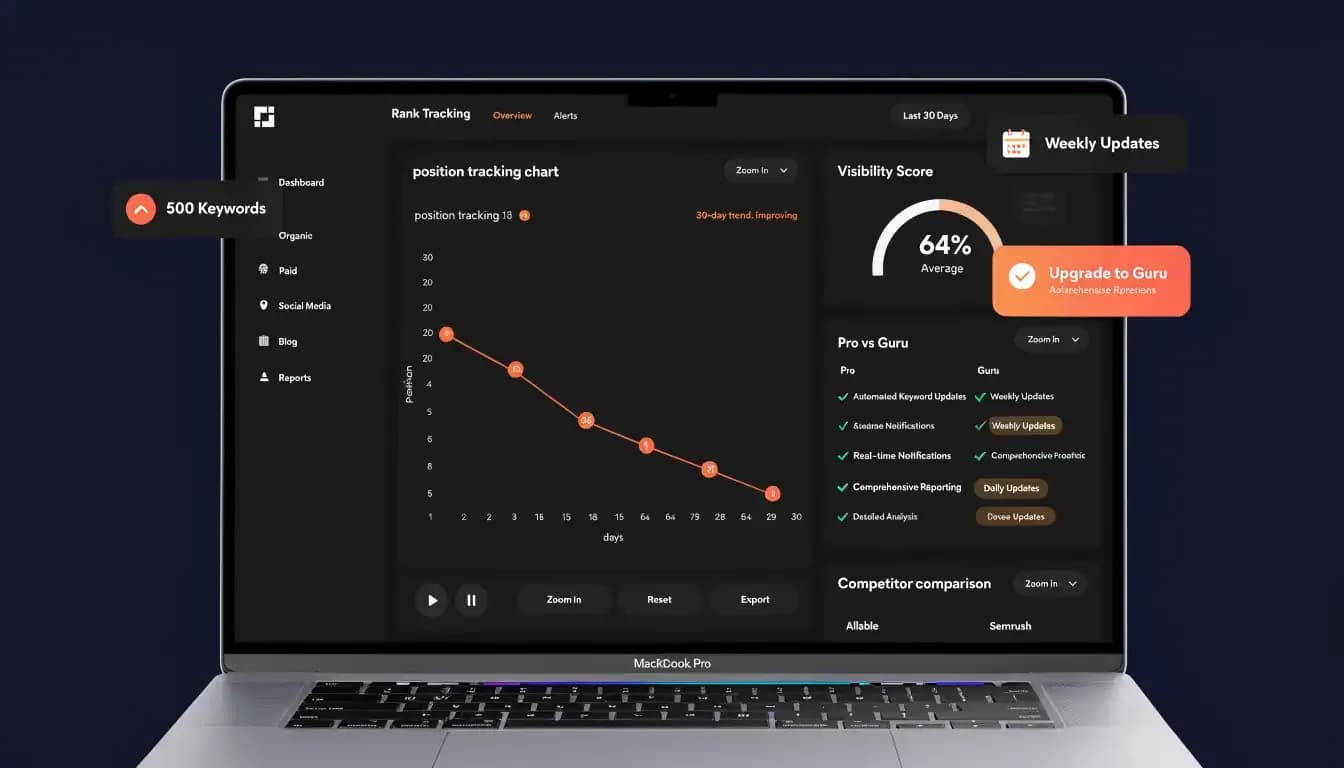
Knowing where your pages rank isn't optional — it's the baseline for every SEO decision you make. Without reliable rank tracking, you're flying blind: you don't know if a content update actually moved the needle, whether your competitor just jumped ahead of you for your best keyword, or which pages recovered after a Google algorithm update.
Semrush's Position Tracking tool is one of the most widely used rank trackers in the industry. But how good is it actually — and does the plan you're on change what you can do with it?
This review covers everything you need to know about the Semrush rank tracker in 2026: how it works, what each plan gives you, where it's accurate, and where it falls short.
What Is Semrush Position Tracking?
Semrush Position Tracking is a dedicated tool that monitors where your website ranks in Google search results for a set of target keywords. Unlike a one-time keyword rank check, Position Tracking runs continuously — crawling Google search results on a scheduled basis and storing your ranking history over time.
How it works: Position Tracking sends automated search queries to Google from the target location you specify. It records the URL that ranks, the position, and any SERP features present (featured snippets, local packs, People Also Ask boxes, etc.).
The tool tracks rankings at the device level (desktop or mobile), the country level, and — depending on your plan — down to city or ZIP code for local SEO.
Key Features of Semrush Rank Tracker
Keyword Position History
Every tracked keyword shows a timeline chart of position changes. You can see exactly when a page moved from position 8 to position 3 — or from page 1 to page 2 after an algorithm update.
Visibility Score
A composite metric showing what percentage of your tracked keywords are appearing in the top 100 results, weighted by keyword position. The fastest single number to watch when assessing your overall organic presence.
Estimated Traffic from Rankings
For each tracked keyword, Semrush estimates the traffic your page is receiving based on your current position and the keyword's average CTR curve.
SERP Features Tracking
Position Tracking shows whether your pages appear in featured snippets, People Also Ask boxes, local packs, and other SERP features. Critically, it also shows which SERP features are present for a keyword even if you're not currently capturing them.
Competitor Comparison (Up to 5 Competitors)
You can add up to five competitor domains to any Position Tracking project and see their rankings for your tracked keywords side-by-side. Visibility share between you and competitors is displayed as a share-of-voice chart over time.
Daily Ranking Alerts
Set up email or in-platform alerts for significant ranking changes. Configure thresholds (e.g., notify me when any keyword drops more than 3 positions) to stay on top of sudden shifts.
Cannibalization Report
Semrush's Position Tracking includes a Cannibalization report — identifying keywords where multiple pages on your site are competing against each other for the same ranking. Keyword cannibalization often causes both pages to rank lower than either would alone.
How to Set Up Semrush Position Tracking (Step-by-Step)
Step 1: Create a project — In Semrush, go to Projects and click "Create project." Enter your domain.
Step 2: Open Position Tracking — Inside the project, click "Set up" next to Position Tracking.
Step 3: Add your target keywords — Enter the keywords you want to track. You can type them manually, paste a list, or import from a CSV file.
Step 4: Set your target location — Choose the country, and optionally a specific region, city, or ZIP code.
Step 5: Choose your devices — Select desktop, mobile, or both. Mobile and desktop rankings frequently differ.
Step 6: View your dashboard — After setup, rankings typically start populating within 24–48 hours.
Semrush Rank Tracking: Plan Limits
Plan | Tracked Keywords | Update Frequency | Monthly Cost |
|---|---|---|---|
Pro | 500 | Weekly | $139.95/mo |
Guru | 1,500 | Daily | $249.95/mo |
Business | 5,000 | Daily | $499.95/mo |
The Pro plan's weekly updates are a significant limitation. Here's why it matters in practice:
- You publish a page update on Monday. With weekly tracking, you may not see whether it improved your rankings until the following week.
- A competitor launches a new page targeting your primary keyword. You won't know they've jumped you until your next weekly snapshot.
- Google rolls out a core algorithm update mid-week. You can't monitor real-time impact on your rankings.
For passive rank monitoring or monthly client reporting, weekly updates are fine. For active SEO work where you're making regular changes, weekly updates are genuinely insufficient. This is the core reason experienced SEOs push to upgrade to the Guru plan.
How Accurate Is Semrush Rank Tracking?
Desktop accuracy is very good. For desktop rankings, Semrush Position Tracking is generally considered one of the more reliable trackers in the market. In independent comparisons, Semrush desktop rankings correlate closely with Google Search Console's reported data.
Mobile rankings show occasional lag. Mobile SERP results are more dynamic and localized, and Semrush's mobile tracking can lag slightly behind real-time changes.
Local tracking accuracy varies by city size. For major cities (New York, Los Angeles, Chicago), local tracking is reliable. For smaller cities or zip code-level targeting, results show more variability.
The honest comparison to Google Search Console: Semrush tracks rankings based on simulated searches — not from your actual users' search sessions. Google Search Console's position data is based on real impressions from real users. The two can diverge, particularly for branded queries or queries with significant personalization signals.
Practical recommendation: use both. Semrush for competitive monitoring and keyword-level position history. Search Console for actual click and impression data.
Semrush Rank Tracker vs Competitors
Tool | Base KW Limit | Update Frequency | Starting Price | Notable |
|---|---|---|---|---|
Semrush Pro | 500 | Weekly | $139.95/mo | Full SEO suite |
Semrush Guru | 1,500 | Daily | $249.95/mo | Daily tracking starts here |
Ahrefs (Lite) | 750 | Every 7 days (fresh on demand) | $129/mo | Strong data quality |
SE Ranking | 250 | Daily | $65/mo | Best value for daily tracking |
Allable | Flexible | Daily | See allable.ai | Chat-first + content creation built in |
Key takeaway: If daily rank tracking is your priority and budget is a constraint, SE Ranking offers it at a significantly lower price than Semrush's Guru plan. Semrush's rank tracker makes the most sense when you're already using the platform for keyword research, site audit, and competitive analysis.
When Rank Tracking Matters Most
Recovering from algorithm updates. When Google releases a core update, positions can shift dramatically. Position Tracking lets you quickly identify which pages gained or lost rankings.
Tracking new content performance. When you publish a new page targeting a competitive keyword, rank tracking tells you whether it's gaining traction, plateauing, or not indexing properly.
Competitive monitoring. When a competitor launches a new page or improves existing content, their ranking gains will show up in your competitor comparison chart.
Client reporting. Position Tracking's weekly PDF reports and branded dashboard views provide clear, visual proof of SEO progress — standard elements in client-facing monthly reports.
Semrush Rank Tracker: Is It Worth It?
If you're on the Guru or Business plan: yes, unambiguously. Daily updates, up to 1,500–5,000 keywords, full competitor comparison, SERP feature tracking, and cannibalization reports make this one of the most feature-rich rank trackers available.
If you're on the Pro plan: it depends on your workflow. Weekly updates limit the tool's utility for active SEO work. You're either accepting delayed visibility into changes, or you're upgrading to Guru — which nearly doubles the monthly cost.
For freelancers, small businesses, or anyone primarily using rank tracking for monthly reporting, weekly updates are workable. For the kind of SEO work where you'd check rankings every few days, you'll feel the constraint.
Frequently Asked Questions
How often does Semrush update rankings?
The Pro plan updates rankings weekly. The Guru and Business plans update rankings daily. This is one of the most significant functional differences between Pro and Guru.
How many keywords can I track in Semrush?
Pro: up to 500 tracked keywords. Guru: 1,500. Business: 5,000. Additional keyword tracking blocks can be purchased as add-ons on higher plans.
Is Semrush rank tracking accurate?
Desktop tracking is consistently reliable and aligns well with Google Search Console data. Mobile tracking is generally accurate but can lag slightly. Google Search Console remains the definitive source for actual impressions and clicks.
Can Semrush track local rankings?
Yes. Position Tracking lets you set location down to city level or ZIP code. For Google Maps and local pack rankings specifically, Semrush also has a dedicated Map Rank Tracker tool.
Semrush vs Ahrefs rank tracker — which is better?
Both are solid, but they differ on key dimensions. Semrush offers deeper integration with competitive research tools and SERP feature tracking, but the Pro plan's weekly updates are a known limitation. Ahrefs offers on-demand ranking checks alongside scheduled crawls. If rank tracking is your primary use case and you're comparing tools purely on that, SE Ranking offers daily tracking at a lower price than either.
Last updated: April 2026 | Plan limits based on confirmed Semrush pricing as of April 2026.